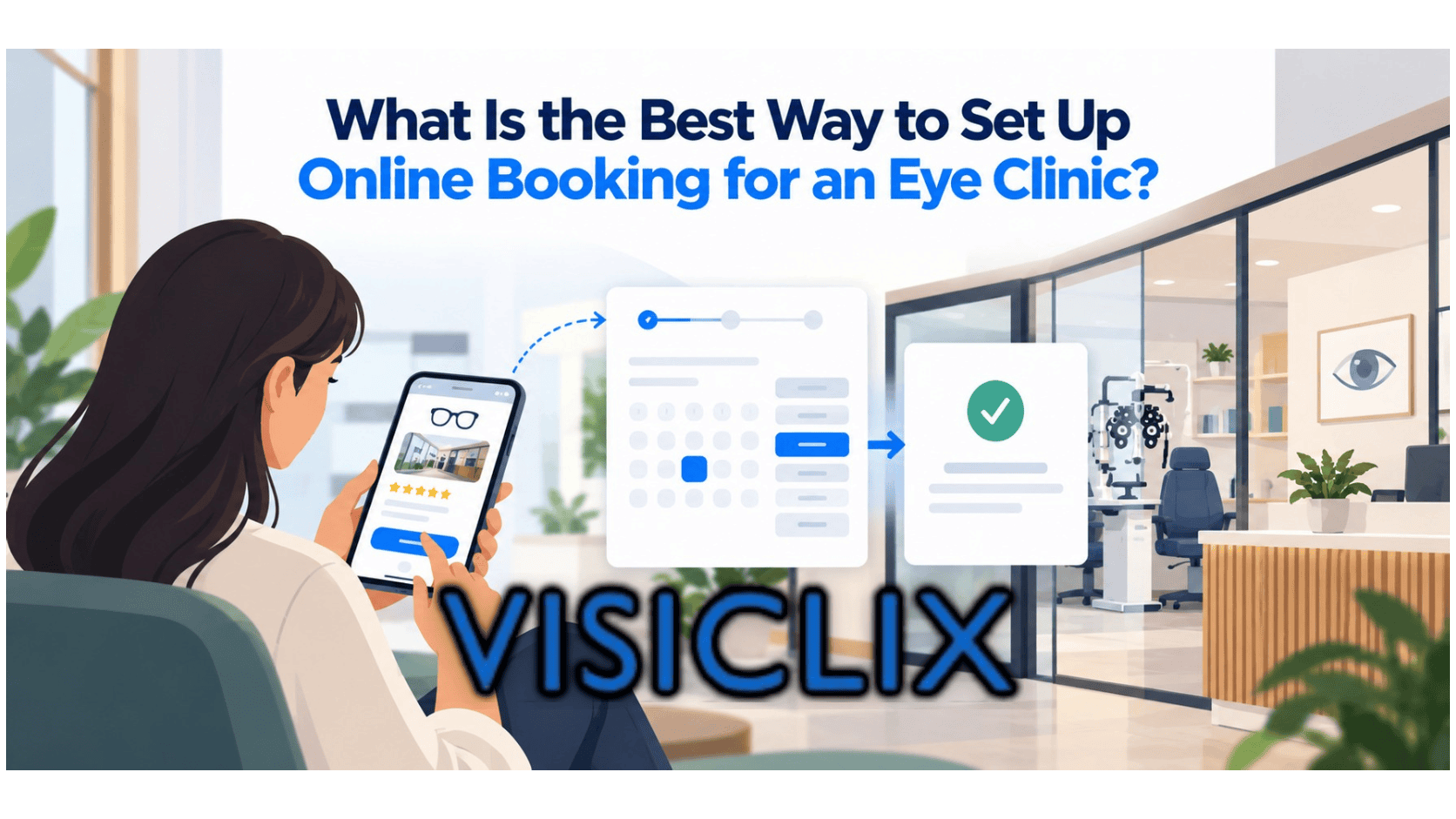
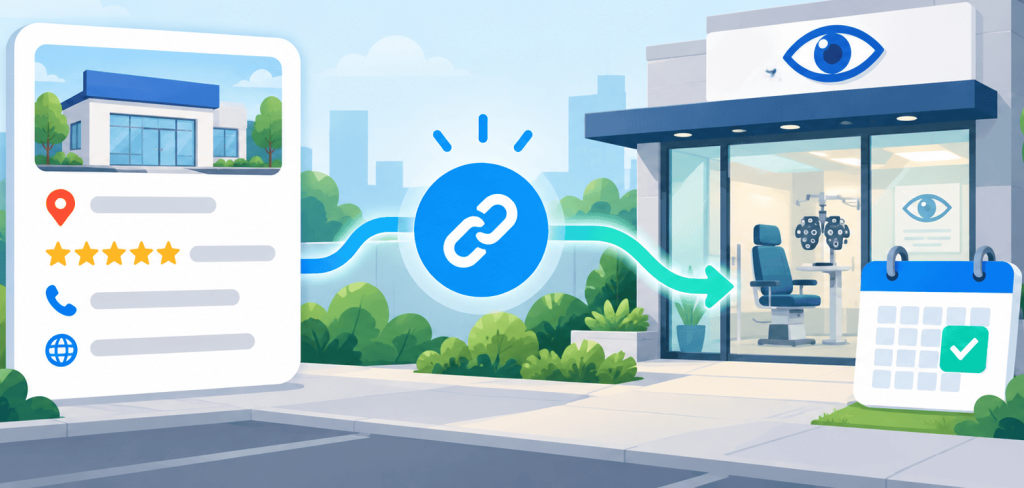
A patient finds your eye clinic on Google Maps and decides to schedule an appointment. They select the booking option, but instead of seeing available appointment times, they land on your homepage and have to search for the scheduling page.
That extra effort can interrupt an otherwise straightforward booking journey.
Eye clinics should use Google Business Profile (GBP) booking links to send patients directly to an appropriate appointment scheduling page. The destination should clearly show available services, work on mobile devices, and make it easy to request or confirm an appointment.
A well-configured booking link helps turn local search visibility into appointment opportunities. The key is choosing the right destination, removing unnecessary scheduling steps, and checking whether patients can complete the process successfully.
Where Should an Eye Clinic’s GBP Booking Link Lead?
Your Google Business Profile booking link should take patients as close as possible to scheduling an appointment.
Sending someone to a general homepage may seem convenient, especially if your website already has an appointment button. But patients must still locate that button, navigate to the scheduler, and figure out which appointment they need.
A direct booking destination eliminates some of those steps.
Direct Appointment Scheduler vs. General Appointment Page
For clinics offering routine comprehensive eye exams, a scheduling calendar with available dates and times is often the most straightforward option.
Other services may require additional information before patients can book.
For example, contact lens fittings may need different appointment lengths than routine eye exams. A dry eye consultation may require a specific provider or preliminary questions to determine the appropriate visit.
A dedicated appointment page can help patients select the correct service before choosing an available time.
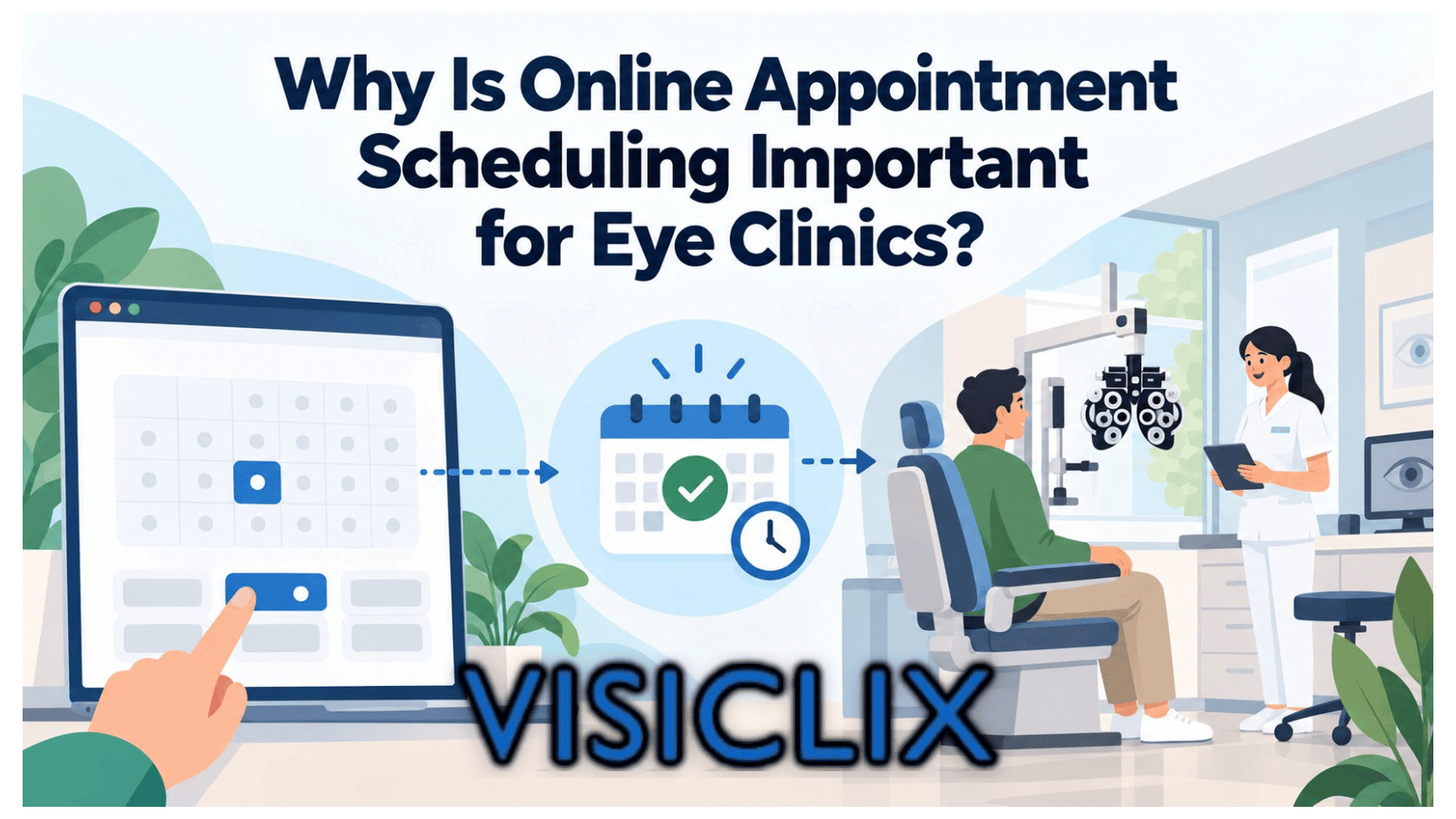
The goal is to support the clinic’s scheduling workflow without adding unnecessary decisions. If your practice is still evaluating its booking process, understanding the importance of online appointment scheduling for eye clinics can help guide that decision.
Match Booking Destinations to Clinic Locations
Multi-location eye clinics need to be particularly careful about where their booking links lead.
If a patient discovers your downtown location on Google, the booking link should not automatically send them to appointments at another branch.
Google expects booking destinations to be relevant to the specific business location. Even when several offices share the same scheduling software, patients should be able to identify the correct clinic before confirming an appointment.
How to Add a Booking Link to Google Business Profile
Once your scheduling destination is ready, you can add it through your eye clinic’s Google Business Profile.
Add Your Appointment URL Through Google Search or Maps
The general setup process involves a few steps:
- Sign in to the Google account that manages your verified Business Profile.
- Find and open your eye clinic’s Business Profile through Google Search or Maps.
- Locate the Booking option or the relevant booking-link settings.
- Add the complete URL of your appointment scheduling page.
- Save your changes and check whether the booking link appears on the public profile.
- Open the link as a patient would to verify that it leads to the correct appointment destination.
Google Business Profile features may vary depending on the business category, location, and eligibility.
Before configuring booking links, make sure your profile information is accurate. Visiclix’s Google Business Profile setup guide for optometrists covers the broader profile configuration process.
Set a Preferred Link and Review Booking Providers
Some eye clinics use their own website’s appointment scheduler, while others rely on supported third-party booking platforms.
Where multiple booking links are available, Google may allow the business to select a preferred link.
Review the options carefully, particularly if your practice has recently changed scheduling software.
An outdated booking provider could direct patients to an old calendar, an incorrect office, or a system the clinic no longer monitors.
Your preferred booking link should reflect the scheduling process your staff currently uses.
What Makes a GBP Booking Page Easy for Eye Care Patients to Use?
Adding a booking link connects your Google Business Profile to your scheduling system. The destination still needs to help patients complete the appointment process.
Consider someone trying to book an eye exam during their lunch break. They’re using a smartphone, have limited time, and want to know whether an appointment is available next week.
If the booking page loads slowly or hides the appointment calendar behind several introductory screens, they may leave before finishing.
Remove Unnecessary Scheduling Steps
An effective appointment page makes the next action obvious.
Patients should quickly recognize the clinic’s name and location, identify the appointment type they need, and access available scheduling options.
Avoid asking for more information than is necessary at the initial booking stage. Detailed medical histories or insurance documentation may be better handled through a separate patient intake process when appropriate.
Clear headings, readable instructions, and visible scheduling buttons can help patients move through the process confidently.
The same principles apply to other conversion-focused pages. Visiclix’s eye care landing page copywriting tips explain how clear messaging can encourage patients to take the next step.
Clarify Appointment Availability and Confirmation
Not every online scheduling system confirms appointments immediately.
Some calendars allow patients to reserve available times directly. Others collect appointment requests that clinic staff must review.
Patients should understand which process they’re using.
If the appointment requires staff approval, the scheduling page should explain that confirmation is pending. Patients should also know what to expect after submitting a request.
For services that require preliminary assessment, provide clear instructions rather than presenting every appointment as immediately bookable.
What Should Clinics Test Before Publishing a GBP Booking Link?
A booking link can appear correctly on your Google Business Profile and still fail during scheduling.
Before making it available to patients, open the exact URL on a smartphone and complete a realistic test appointment using an approved test account or scheduling test environment.
Start by checking whether the booking destination loads correctly and displays the intended clinic location.
Then confirm that appointment types match the services your clinic offers and that available times reflect your actual scheduling system.
Follow the entire process through submission. Does the patient receive an appropriate confirmation message? Does the appointment appear correctly in the scheduling system? Is it clear whether the visit is confirmed or awaiting approval?
Accessibility should also be part of this review.
Patients visiting an eye clinic may have visual impairments that make small text, low-contrast buttons, or poorly labeled form fields difficult to use. A booking page should offer readable content and controls that patients can navigate without unnecessary difficulty.
Reviewing accessibility considerations for eye clinic websites can help identify potential barriers.
Patient privacy deserves similar attention.
Appointment forms should use appropriate safeguards, particularly when collecting information that may be sensitive. Clinics subject to HIPAA should evaluate their scheduling platforms and data collection practices rather than assuming that standard website tools automatically meet healthcare privacy requirements.
For related guidance, explore Visiclix’s article about online booking and HIPAA considerations for eye clinic websites.
How Can Eye Clinics Measure Appointments From GBP Booking Links?
The most useful result of a Google Business Profile booking link is a successfully scheduled appointment, not simply another visit to your website.
A clinic might receive considerable interaction with its Google listing while generating relatively few confirmed bookings.
Looking only at profile activity would miss that distinction.
Distinguish Profile Interactions From Completed Bookings
Google’s native booking performance reporting is not available for custom booking links. Supported booking providers may offer different reporting capabilities.
For clinic-controlled scheduling pages, useful measurements include booking-page visits, scheduling attempts, appointment requests, and confirmed appointments.
These figures represent different stages of the booking process.
For example, suppose your booking system records 40 visits attributed to your GBP booking link and 12 confirmed appointments from those visits.
That would represent a 30% measured booking completion rate.
This is an illustrative calculation, not an industry benchmark. The accuracy of the figure depends on how reliably your scheduling platform tracks appointment sources.
Rather than focusing on one metric, look at where patients may be abandoning the process and whether the number of confirmed appointments changes after improvements.
Track Appointment Sources Without Exposing Patient Data
Where supported, clinics can use campaign-tagged booking URLs or scheduling-system source fields to distinguish Google Business Profile traffic from other website visits.
Not every scheduling platform preserves tracking information throughout the booking journey, so the setup needs testing.
Patient privacy must remain a priority.
Avoid including names, medical symptoms, appointment details, or other sensitive information in analytics URLs. Review whether your tracking tools and vendors handle data appropriately under applicable privacy requirements.
A monthly review of attributed appointment activity can help your practice identify problems without relying on unnecessary patient-level tracking.
Why Might an Eye Clinic’s GBP Booking Link Not Work?
A booking link may disappear, fail to open, or send patients to an incorrect destination for several reasons.
Identifying the source of the issue is more useful than repeatedly replacing the URL without investigating.
Missing Booking Options and Provider Conflicts
Not every profile has access to identical booking features.
If you cannot find the booking option, first confirm that your Business Profile is verified and that the feature is available for your clinic.
Third-party scheduling providers may also add booking links to eligible profiles.
If an outdated provider appears alongside your preferred appointment destination, determine which service controls the link and follow the appropriate removal or management process.
Changing your custom booking link does not necessarily remove links managed by outside providers.
Broken URLs and Incomplete Booking Flows
Google expects booking links to direct users to relevant, accessible destinations where the intended action can be completed.
A link may encounter problems if the destination is unavailable, requires inappropriate access credentials, or consistently returns an error.
If your booking page works for staff members but not patients, test it in a private browser window without existing login credentials.
Also check whether the calendar displays the correct clinic, whether scheduling restrictions are preventing available appointments from appearing, and whether recent software updates changed the booking URL.
Repeat these checks whenever your practice changes scheduling providers, adds locations, or updates its website.
Frequently Asked Questions About GBP Booking Links
Can an Eye Clinic Add More Than One Booking Link to Its Google Business Profile?
Eligible businesses can have multiple booking links, subject to Google’s current limits and requirements. Where supported, clinics can select a preferred booking destination.
Each link should serve a legitimate scheduling purpose. Adding more links does not automatically create a better patient experience.
Is a GBP Booking Link Different From the Regular Website Link?
Yes. The regular website link generally takes visitors to the practice’s website, while a booking link is intended to support appointment scheduling.
Both are useful, but they serve different purposes. Patients who are ready to make an appointment benefit from a more direct scheduling destination.
Do Eye Clinics Need a Third-Party Booking Provider?
Not necessarily.
Eligible eye clinics can add their own booking URLs without relying exclusively on a third-party provider.
Some supported scheduling platforms offer additional integrations or booking management features. The right choice depends on your clinic’s existing systems, appointment workflow, and available options.
Can Booking Links Improve an Eye Clinic’s Google Rankings?
Adding a booking link should not be treated as a guaranteed ranking strategy.
Google’s local rankings primarily consider relevance, distance, and prominence. A booking link is more directly useful for helping interested patients take action after discovering your clinic.
The practical benefit is a clearer path from local search to appointment scheduling.
Should Urgent Eye Problems Go Through Routine Online Booking?
No. Symptoms that may require urgent medical assessment should not be routed into a standard appointment calendar without appropriate guidance.
For example, sudden new flashes, numerous new floaters, or a curtain-like shadow over vision may indicate a serious eye problem requiring immediate evaluation.
Eye clinics should clearly explain how patients can seek urgent care rather than encouraging them to wait for the next routine appointment.
Make the Next Appointment Easier to Complete
Your Google Business Profile booking link should help patients move from finding your eye clinic to arranging an appropriate visit with minimal confusion.
Start by reviewing your current booking destination. Confirm that it opens the correct location, provides clear appointment options, works properly on mobile devices, and communicates what happens after submission.
Then evaluate the results using the appointment data your scheduling system can reliably provide.
Visiclix helps eye care practices improve their digital presence through services focused on online visibility, website performance, and patient acquisition.
If your clinic wants to strengthen the connection between local search visibility and appointment opportunities, explore Visiclix’s eye care marketing services.